BEYOND THE KEYS /
Ownership Guides
Thien Nguyen
English
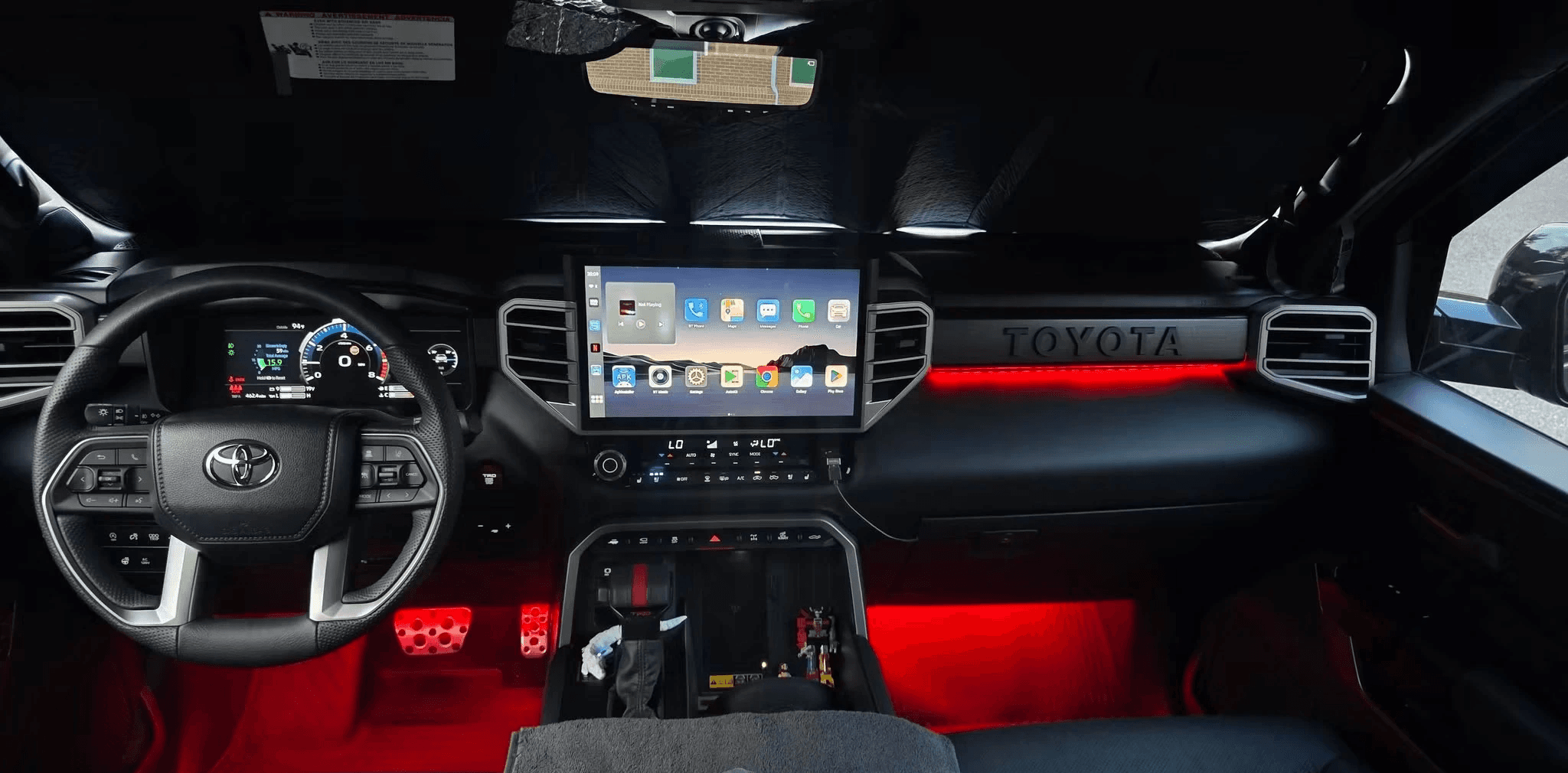
You upgraded your iPhone. Your Toyota stayed exactly where it was. Somehow, CarPlay is now acting like the two of you have never been introduced.
Before blaming the screen—or resetting your entire digital life—try a quick three-way phone swap. It won’t diagnose a failed part. It can give you a better clue about where to look next.
The three-way swap
1. If you still have your old iPhone, connect it to the Toyota. Does CarPlay still work?
2. Try your new iPhone in another vehicle that supports Apple CarPlay. Does it connect there?
3. If you can, try another compatible iPhone in your Toyota. Does that one connect?
What the results might tell you
If the old phone works in your Toyota but the new one doesn’t, focus first on the new phone’s CarPlay setup, settings, software, or compatibility.
If your new iPhone connects in another car but not your Toyota, look next at the Toyota’s saved connection and setup steps for its specific model year.
If no compatible phone connects to your Toyota, the vehicle’s connection settings, USB port, or multimedia system may need attention.
These are clues, not verdicts. A failed test does not prove the phone or vehicle needs a repair.
Check the connection type
Toyota models vary. Confirm whether your specific vehicle supports wired CarPlay, wireless CarPlay, or both in its owner’s manual.
For wired CarPlay, try a known-good data-capable cable in the correct media USB port. A charging symbol means the phone is receiving power; it doesn’t confirm that CarPlay data is getting through.
For wireless CarPlay, make sure Bluetooth and Wi-Fi are on and Auto-Join is enabled for the CarPlay network. Siri must also be enabled.
Change one thing at a time. If you decide to forget the car and pair again, follow Apple’s instructions and your Toyota’s setup guide. No factory reset required as your opening move.
If it still refuses to cooperate, bring support the useful details: Toyota model year, iPhone model, iOS version, wired or wireless connection, what happened in each phone-swap test, and when the problem began.
That’s a much better starting point than “the screen is broken,” which is how perfectly innocent dashboards end up on trial.
Sources and further reading
Apple: If you can’t connect your iPhone to CarPlay